
Insights
What to check before adding music to a guided recording
A practical record of the music, intended uses and permissions behind a finished narrated recording.
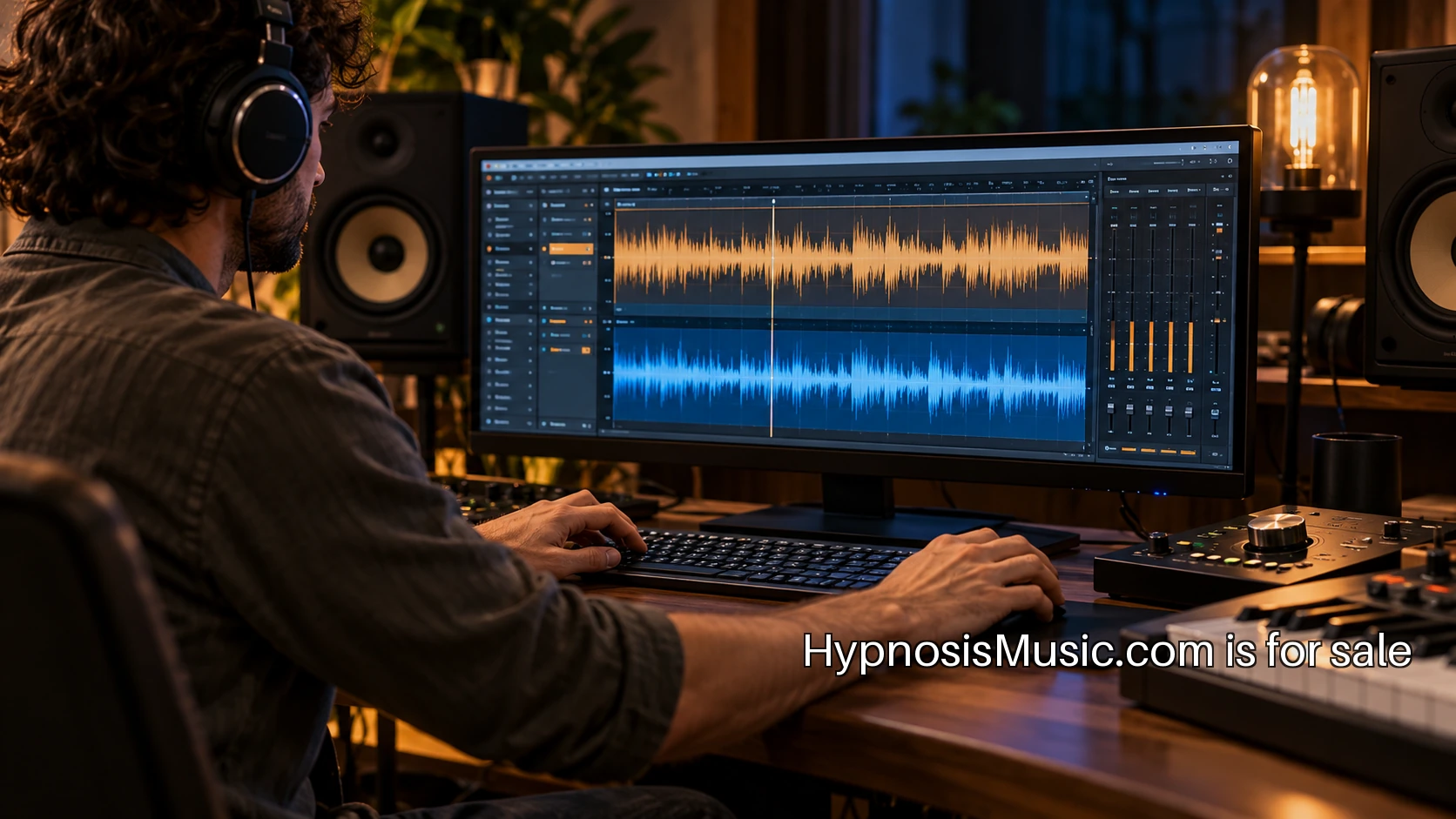
Adding music to a guided recording starts with a creative choice, but the permission questions need a place in the production process too. A track can sound right while its available terms cover a different activity from the one you have planned. Before downloading the final file, describe the recording you intend to make, where it will appear and how people will receive it. That description gives the rights holder something concrete to answer.
This checklist is a way to prepare that conversation and keep the resulting records organized. A useful permission request names the actual use rather than asking whether a track is simply “safe to use.” The person answering needs to know what will happen to the music. Your production team also needs a record it can find when a distributor, collaborator or customer asks about the finished recording later.
1. Write down the finished product
Begin with a short project description. State whether you are making a private recording for one person, a downloadable product, a public stream, a subscription release or a promotional sample. Explain whether the music will sit beneath spoken narration, appear on its own or be edited into several sections. Include the planned channels and the way the recording will be supplied to listeners.
Be specific about versions. A project might include a full recording, a short preview and a video excerpt using the same audio. Those are separate outputs in your production plan, even when they come from one editing project. List them together so the rights conversation covers the work you actually intend to publish. If a future version is uncertain, mark it as a question to resolve before creating that version.
A practical project note might say: a twenty-minute narrated audio download, a ninety-second preview on the product page and a short excerpt in a promotional video. The next step is to ask which written terms cover each output. That keeps the discussion close to the project rather than relying on a broad label that different people may read differently.
2. Identify the composition and the recording
The U.S. Copyright Office explains that a musical composition and a sound recording are separate works. A composition concerns the music itself; a particular recorded performance is a sound recording. The practical question for your project is who can grant the permissions you need for each part and how those permissions are documented.
Keep the exact track title, artist or producer, catalog identifier and version. A library may have several recordings with similar names or multiple edits of one piece. If the agreement refers to a catalog item, the identifier in your production notes should match it. A filename that only says “background-final” is a poor record when someone needs to trace the music six months later.
If the person offering the track says they control all relevant rights, keep that statement with the agreement and ask any remaining questions about your intended use. A collaborator may understand their creative contribution well while still needing to clarify a publisher, co-writer or recording arrangement. The conversation should end with an identifiable work and an identifiable permission record.
3. Compare your use with the actual terms
Read the agreement that applies to the track and the date of purchase. Look for the activities it describes and compare them with your project note. Does it address adding narration, distributing downloads, streaming, paid access, promotional excerpts and the channels you listed? Does it set conditions on editing, attribution or the number of products? Put unclear points into a short question list for the rights holder or your adviser.
Avoid treating the name of a license category as the entire answer. A catalog's label is an entry point to its written terms. Save the applicable document and the purchase record together. If a sales page and an agreement appear to say different things, resolve the difference before relying on either description. The useful result is a clear record that your team can work from.
An important operational question is what happens if the catalog later changes its terms or removes the track. Ask how an existing purchase is recorded and where you can find the version that applied to it. That question is easier to settle before release than after a link in an old receipt stops working.
4. Check how collaborators and platforms enter the project
A guided recording may pass through an editor, a narrator, a distributor and a storefront. Write down which people receive the source music and which receive only the finished mix. Ask whether the agreement addresses those arrangements. If a contractor needs the raw file to finish the work, make sure the production plan reflects that rather than assuming a finished-product permission explains every transfer.
The same exercise applies to publishing channels. A direct download from your own site is a different workflow from supplying material to a third-party platform. Describe the actual channel in the permission conversation and check its requirements separately. Keep any platform-specific instructions with the release checklist so a future team member does not have to reconstruct the decision from scattered messages.
5. Keep the editable project and the permission record together
After the rights questions are settled, connect the paperwork to the actual production files. A project folder can contain the narration source, the licensed music file, the editable audio project, the final exports and a rights note. The note can point to the purchase receipt, agreement version and any written clarification. A consistent folder structure makes that record useful when the project is revised.
The Audacity manual's explanation of mixing is a useful reminder that an exported mix is different from the underlying editable tracks. Keep the project that produced the release, not only the final audio file. If you need to replace the music later, the separate materials give the editor a workable starting point.
6. Review one example before publishing a series
Before producing a large set of recordings, walk one complete project through the process. Have someone outside the editing session find the track identifier, the permission record and the final export. Ask them to explain which outputs the project note describes. If they cannot connect those pieces, improve the record while the catalog is still small.
For a series, give each release its own entry even when the same music appears several times. Record the music version and the applicable permission rather than copying an old filename into a new folder. If the intended use changes, return to the agreement and ask the new question. A short, repeatable check is easier to maintain than a large archive of documents with no link to the actual release.
The next step is straightforward: write the intended uses for your next recording, identify the exact track and gather the terms that apply to it. Bring unresolved questions to the rights holder or an appropriate adviser before release. The result should be a production folder in which the recording, the decisions and the permission record all describe the same piece of work.